The Mini AI Desktop Is Quietly Replacing the PC
Small boxes built to run AI models on your own desk. The appeal is not speed — it is privacy, no meter running, and a machine that still works when the internet does not.
The short version
- A new category arrived quietly this year: small desktop boxes built to run AI models locally instead of in the cloud.
- The appeal is not speed. It is privacy, no subscription, and the machine still working when the internet does not.
- For most people a laptop is still the right answer. For a specific group — creators, developers, anyone handling private data — the maths has changed.
For fifteen years the direction of travel was one way: everything moves to the cloud. Your files, your photos, your software, and most recently your intelligence. You type, a data centre thinks, an answer comes back.
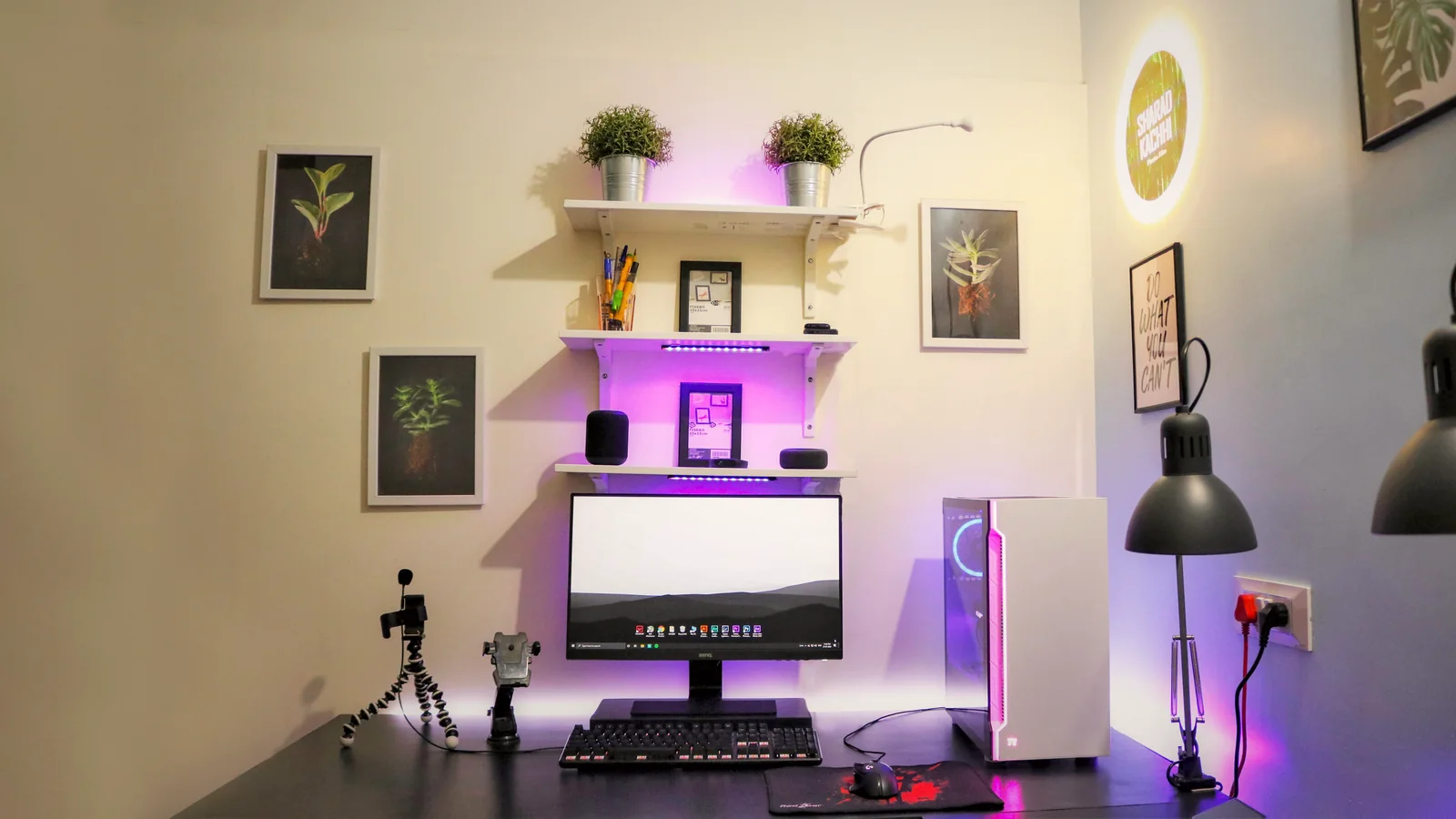
2026 has produced a small, stubborn counter-current. Mini AI desktops — compact boxes, roughly the size of a thick book, built around a chip with enough memory bandwidth to run capable models on your own desk. They have been one of the most consistently featured product categories of the year, alongside AI-driven phones and handheld consoles.
Why anyone would want one
Your data stays put. This is the whole argument for a lot of buyers. A lawyer, a doctor, an accountant or a founder with an unreleased product cannot paste sensitive material into someone else’s service. A local model has no such problem, because nothing leaves the room.
No meter running. Cloud AI is priced per use. That is fine until you use it constantly, at which point a one-time hardware cost starts to look better than a subscription that grows with your workload.
It works offline. Underrated in a country where the connection is excellent right up until it is not. A local model on a plane, in a basement, or during an outage is the same model it was an hour ago.
Nobody changes it under you. A model on your machine does not get deprecated, re-tuned, or restricted next Tuesday. If your workflow depends on a model behaving a particular way, owning it is genuinely different from renting it.
The cloud gives you the best model. Your desk gives you the same model tomorrow.
Why most people should still not buy one
Be honest about the trade-off. The largest, smartest models do not fit on a desktop box and will not for a while. What you run locally is a smaller model — very good for summarising, drafting, extracting, coding assistance and image work, noticeably weaker on the hardest reasoning.
Setup is also not free. It is far easier than it was two years ago, but “download an app and it works” is still not quite the experience for anything beyond the basics. Budget a weekend of fiddling.
And a modern laptop with a decent unified-memory chip already runs useful local models. If you have one, try that before spending money. The best hardware upgrade is often the one you discover you did not need.
Who it is actually for
- People handling confidential material. Legal, medical, financial, HR. The privacy argument alone justifies it.
- Heavy creators. Batch image generation, transcription, video work — jobs that run for hours and would cost real money per use in the cloud.
- Developers building on models. Iterating against a local model is faster and cheaper than iterating against an API bill.
- Anyone with unreliable internet. A large group, and one that product marketing consistently forgets.
What to look at before buying
Ignore the headline chip name. Two numbers matter more.
Memory, and how fast it is. Model size is limited by how much memory you have; speed is limited by how fast that memory moves. A box with lots of slow memory runs big models badly, which is its own kind of disappointment.
What actually runs on it today. Not the spec sheet — the software. Before buying, find someone running the exact models you care about on that exact box and read what they say about it. This category is young enough that support is uneven.
Also check the noise and the power draw if it is going to live on your desk rather than in a cupboard. A box that sounds like a hairdryer stops getting used.
The bigger pattern
This is the same swing computing has done before. Mainframe, then personal computer. Server, then cloud. Cloud, and now a little bit back. It rarely ends with one side winning — it ends with a split, where the heavy and occasional work goes remote and the constant, private, boring work happens locally.
That split is what the mini AI desktop is betting on. It is a reasonable bet.
What this means for you
- Try local on the machine you own first. A current laptop with unified memory handles more than most people expect.
- Buy for privacy or volume, not for benchmarks. If neither applies to you, the cloud is still cheaper and smarter.
- Check memory bandwidth and real-world software support before the processor name. That is where the disappointment lives.